Deploy Tanstack Start and Convex to Clouldfare
Steps 1 to 5 are from TanStack Hosting. Can also read Cloudflare .
-
Install
@cloudflare/vite-pluginandwrangler
npx add -D @cloudflare/vite-plugin wrangler -
Add the Cloudflare plugin to your vite.config.ts file
// vite.config.ts
import { defineConfig } from "vite";
import { tanstackStart } from "@tanstack/react-start/plugin/vite";
import { cloudflare } from "@cloudflare/vite-plugin";
import viteReact from "@vitejs/plugin-react";

export default defineConfig({
  plugins: [
    cloudflare({ viteEnvironment: { name: "ssr" } }),
    tanstackStart(),
    viteReact(),
  ],
});- Add a wrangler.jsonc file
{
  "$schema": "node_modules/wrangler/config-schema.json",
  "name": "tanstack-start-app",
  "compatibility_date": "2025-09-02",
  "compatibility_flags": ["nodejs_compat"],
  "main": "@  tanstack/react-start/server-entry"
}- Modify the scripts in your package.json file
{
  "scripts": {
    "dev": "vite dev",
    "build": "vite build && tsc --noEmit",
    // ============ 👇 remove this line ============
    "start": "node .output/server/index.mjs",
    // ============ 👇 add these lines ============
    "preview": "vite preview",
    "deploy": "npm run build && wrangler deploy",
    "cf-typegen": "wrangler types"
  }
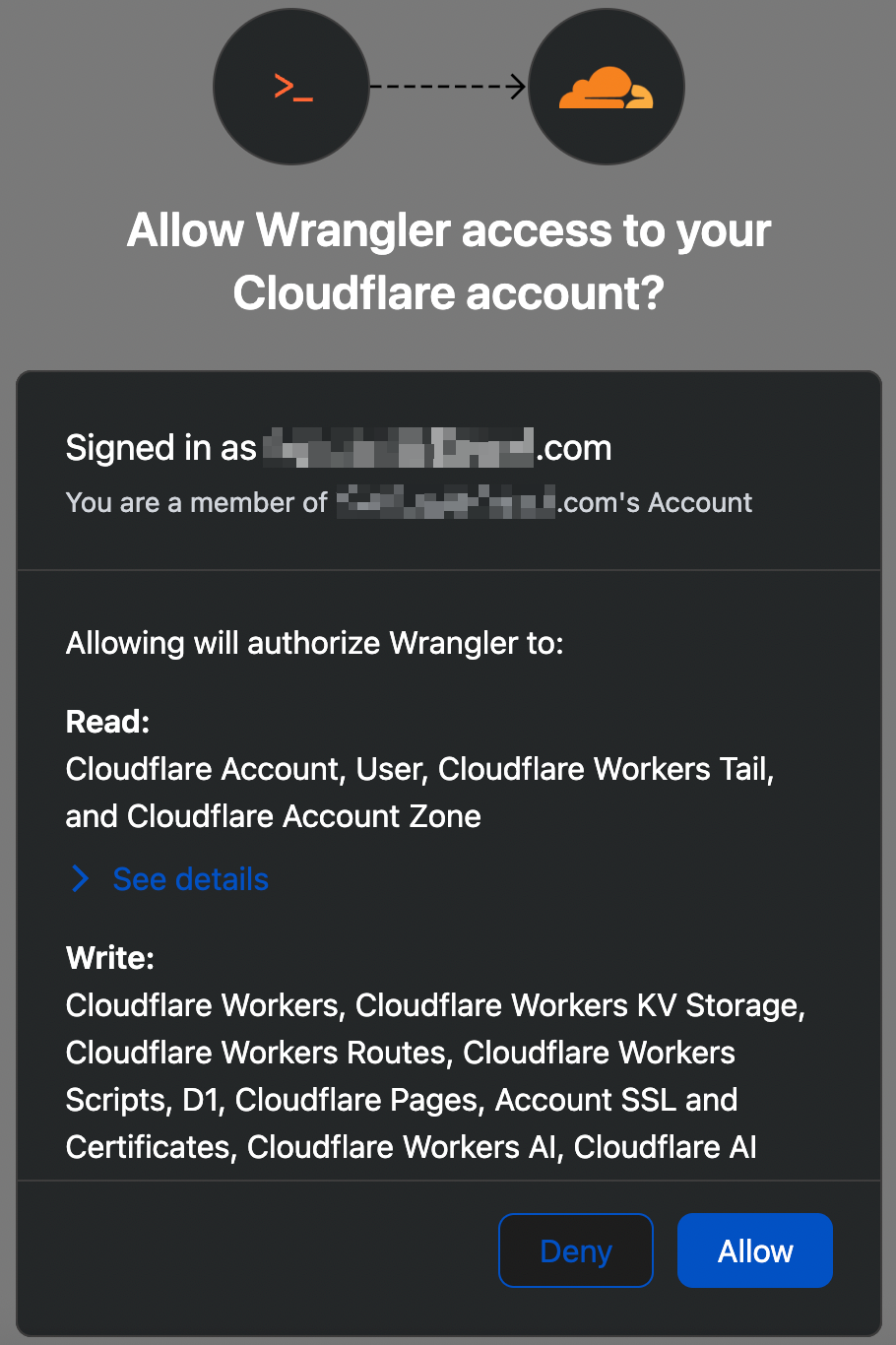
}- Log in Wrangler authenticate with Cloudflare account
npx wrangler login
-
Pull the branch you want to deploy and ensure local has no pending changes.
-
Running
npm run buildin local might have no Typescript errors while deployment to Cloudflare has errors. This is becausepackage.jsonhas"build": "vite build && tsc --noEmit". You can change it to"build": "vite build", trynpm run buildand fix the Typescript errors first. -
Note
import.meta.env.VITE_SOMETHINGis using Cloudflare environment variables which should be added to wrangler.jsonc.
{
  "vars": {
    "VITE_CONVEX_URL": "https://adept-eagle-139.convex.cloud"
  }
}-
process.env.SOMETHINGis using Cloudlfare secrets which can be added usingnpx wrangler secret put SECRET_NAME.
Your TanStack server functions might be usingprocess.env.VITE_CONVEX_URL(following TanStack documentation). To avoid having to duplicate Convex URL, it can be changed toimport.meta.env.VITE_CONVEX_URL. -
Enable logging in wrangler.jsonc
{
  "observability": {
    "enabled": true,
    "logs": {
      "enabled": true
    }
  }
}
wrangler.jsonc should look like this
{
  "$schema": "node_modules/wrangler/config-schema.json",
  "name": "tanstack-start",
  "compatibility_date": "2026-02-24",
  "compatibility_flags": ["nodejs_compat"],
  "main": "@tanstack/react-start/server-entry",
  "assets": {
    "binding": "ASSETS"
  },
  "vars": {
    "VITE_CONVEX_URL": "https://your-value-139.convex.cloud"
  },
  "observability": {
    "enabled": true,
    "logs": {
      "enabled": true
    }
  }
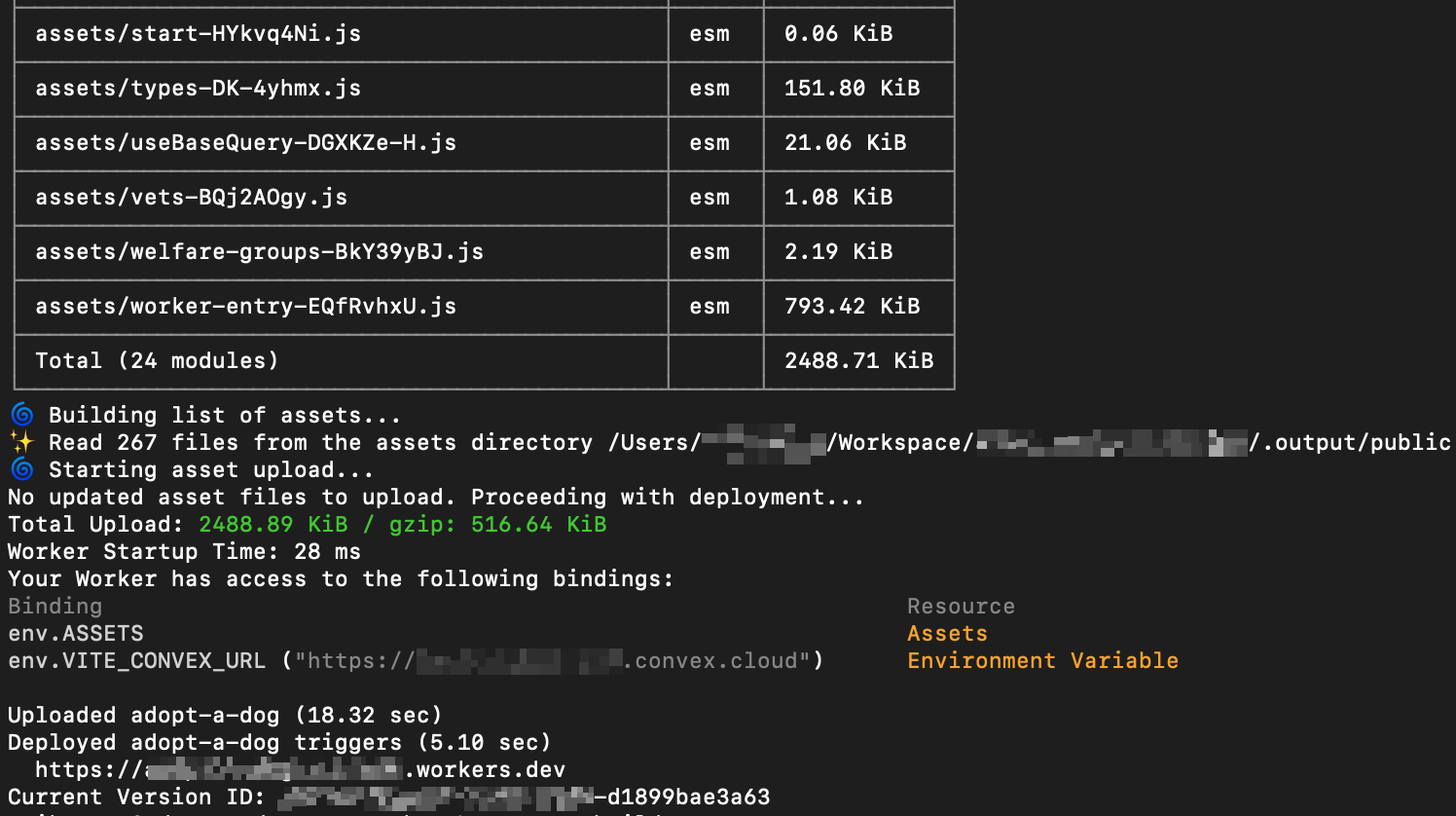
}- Deploy to Cloudflare
npx run deploy

- View logs
npx wrangler tail tanstack-app
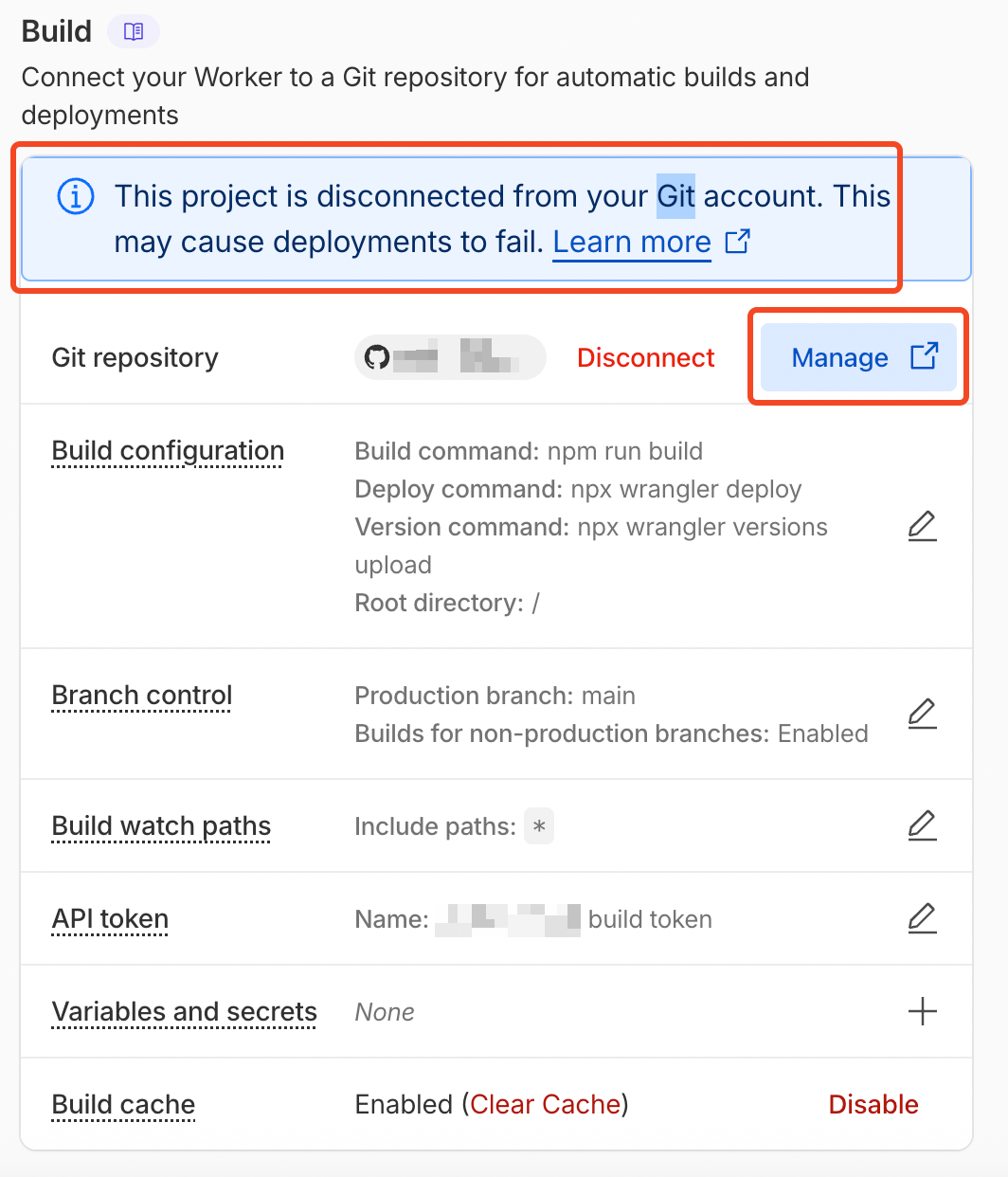
- If commit and push to code not triggering deployment, go to Settings > Build