Zed, a fast and agent-focused editor, an alternative to Visual Studio Code
Why use Zed editor?
- Fast as it’s built using Rust which leverages multiple CPU cores and GPU.
- Threads panel enable you to have multiple agent threads running and easily navigate between them in one or multiple projects..
- Free live collaboration by signing into Github.
- Minimalist UI and less cluttered.
Why not use Zed?
- You prefer other IDEs like Neovim and Helix
- Limited number of themes and extensions
- Need to set up again and slight learning curve
- Some minor bugs like Cmd+B will close left panel regardless of cursor position while Cmd+R needs cursor to be in right panel in order to close it.
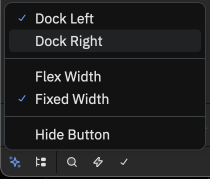
How to move file structure to left side
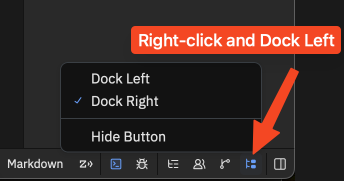
How to move agent thread to right side
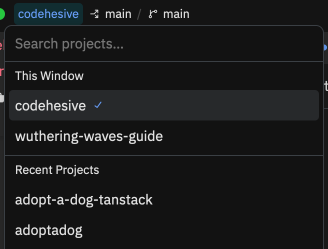
On the top left, navigate between multiple projects
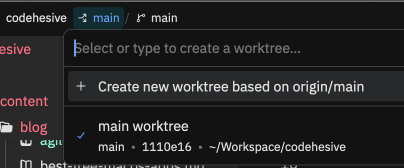
Navigate between different worktrees
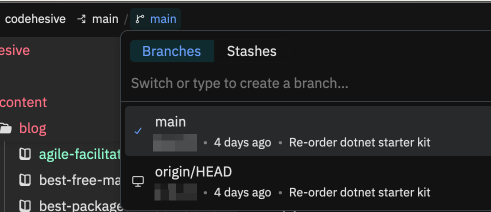
And navigate between different branches and stashes
Open threads sidebar by pressing Cmd+Opt+J
Open extensions by pressing Cmd+Shift+X or Cmd+Shift+P and searching for extension
Open themes by pressing Cmd+K+T or Cmd+Shift+P and searching for theme
Personally, I’m using Godot theme